WebAdmin
WebAdmin is a web interface for administrators that enables remote service management from any location using a supported web browser. It provides access to core server settings, user accounts, and logs. To access WebAdmin, you must have Domain Administrator, Web (server) Administrator, or System (Full) Administrator rights. Domain administrator rights are defined by the Account type .
Domain Administration Rights
A System (Full) Administrator can restrict the permissions of other administrators (Web and Domain Administrators) to prevent them from modifying specific settings. The WebAdmin application enforces these restrictions based on the configuration stored in the following file:
IceWarp/mail/{domain_name}/{admin_account}/adminperm.dat.
This is the recommended way of managing administrators' rights starting with version 11.3 of IceWarp Server. See Domain Administration Rights.
WebAdmin access options
WebAdmin overview in WebClient
When accessing WebAdmin from within WebClient by clicking on Settings  icon, you are presented with a WebAdmin overview. This view provides quick access to selected administrative areas, such as WebClient settings, domain management, user administration, subscription, billing, and invoices.
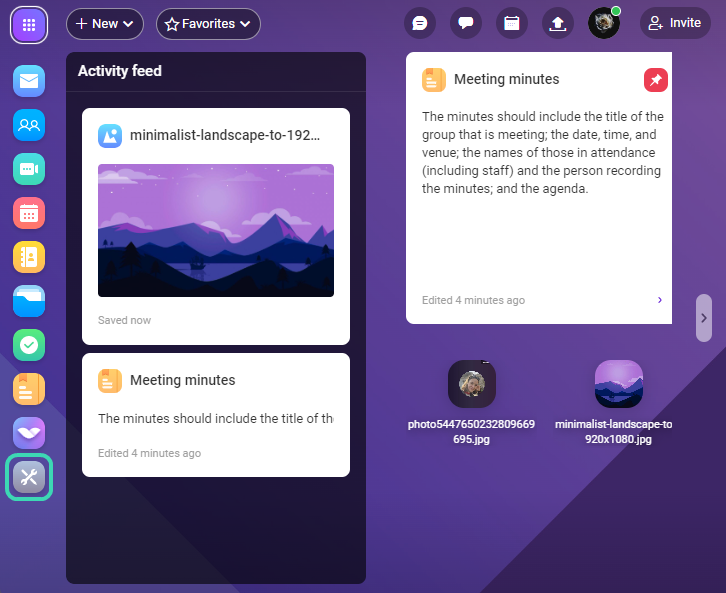
The following options are available in the WebAdmin quick menu. The availability of individual options depends on your account permissions.
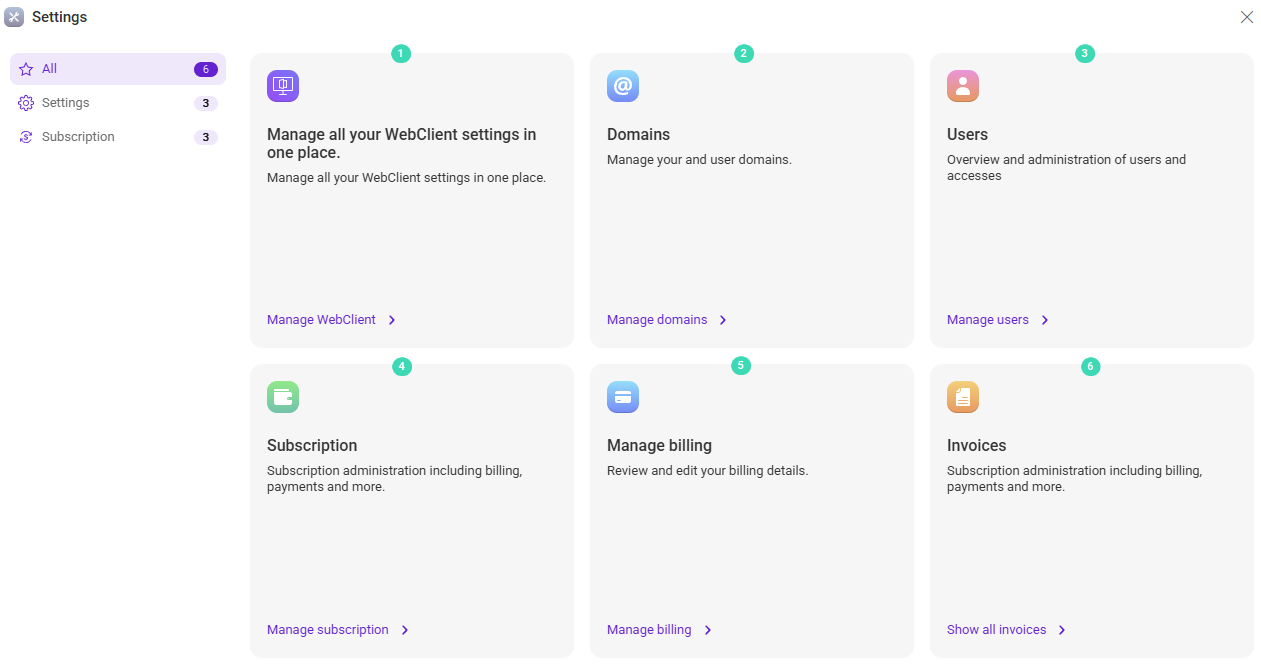
The table below describes the available WebAdmin options and their purpose.
| Action | Description |
|---|---|
WebClient settings
 |
Configure WebClient behavior at the domain or server level, depending on your Account permissions. These options are also accessible from the user avatar menu. |
Domains
 |
View, add, and configure domains and manage users within them. |
Users
 |
View, create, and configure user accounts and their access permissions. |
Subscription |
Manage your IceWarp plan, users, and usage. |
Manage Billing
 |
Manage payment methods, billing details, and license holder information. |
Invoices
 |
View invoice details, due dates, payment status, and download invoices. |
WebAdmin portal
When accessing WebAdmin directly via {server name}/admin/ (Example: mail.icewarp.com/admin/), the full administration interface is available. This includes complete server configuration options, advanced administration features, and access to the API console, which are not available through the WebClient interface.

